
★★★★★
“Backpack is so flexible as a podcasting device—and is crafted for the live performer rather than the perfectionist podcaster!”
Backpack Studio · iPhone & iPad
Build your first soundboard in minutes—or record, mix, edit, stream, and publish a complete show. Approachable for beginners. Deep enough for professionals.
Magic Edit · Backpack AIEdit audio like text—or just tell Backpack what to change.Explore AI tools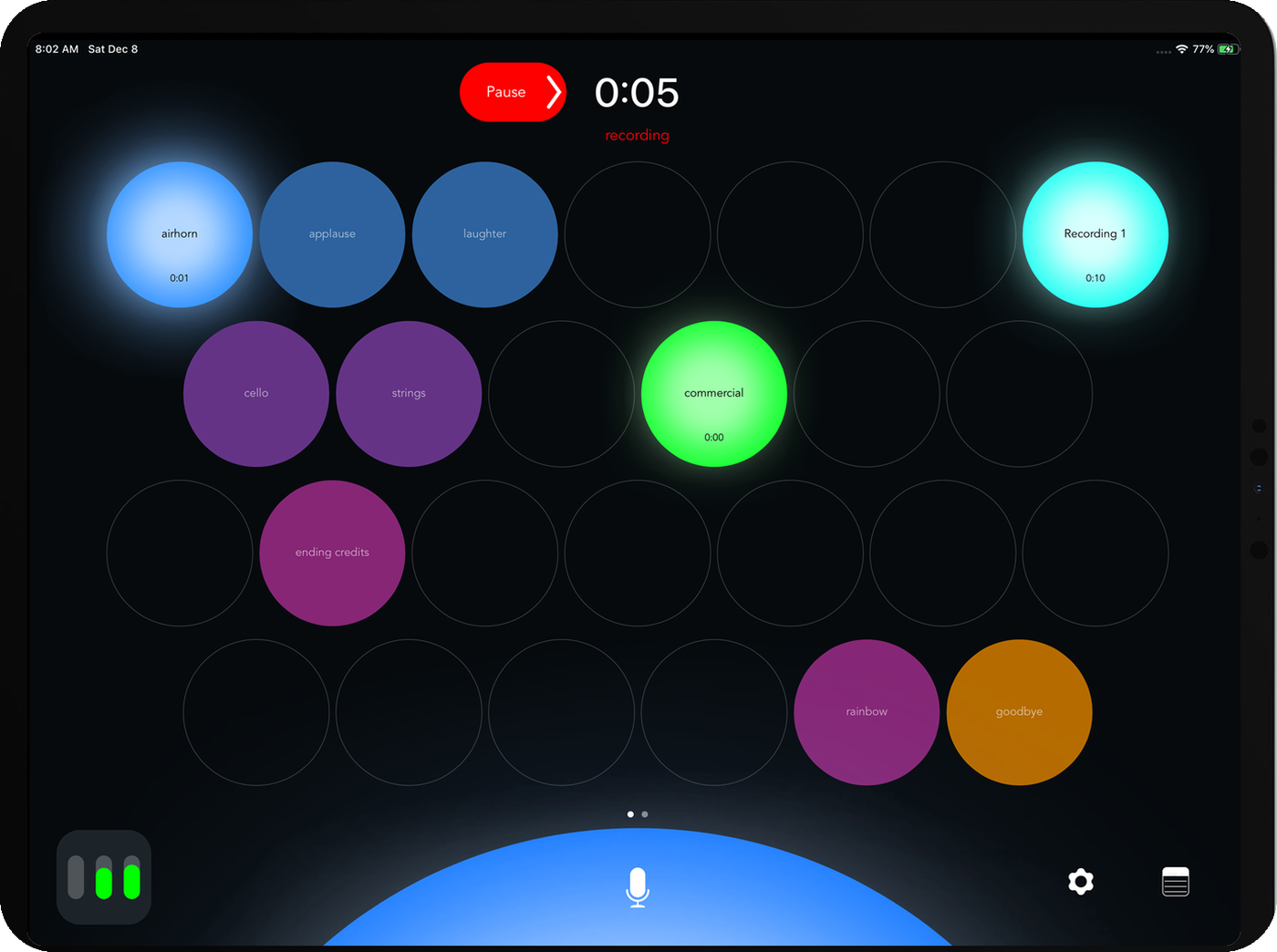
Podcasts • Radio shows • Live events • Theatre • Church services • Workshops • Weddings • Stage management • Interviews • Mobile journalism • Audiobooks & voiceovers • DJ sets • Trivia nights • Sports announcing • Fitness classes • School assemblies • Corporate presentations • Gaming streams
What is Backpack Studio?
Backpack Studio brings your microphone, remote guests, music, effects, live mix, recording, and publishing into one iOS app. Produce the show while it happens and keep a finished mix.
01 / Soundboard
Load music, effects, cues, intros, outros, voice clips—or generate something new. Arrange them across unlimited pages and trigger them instantly during any production.
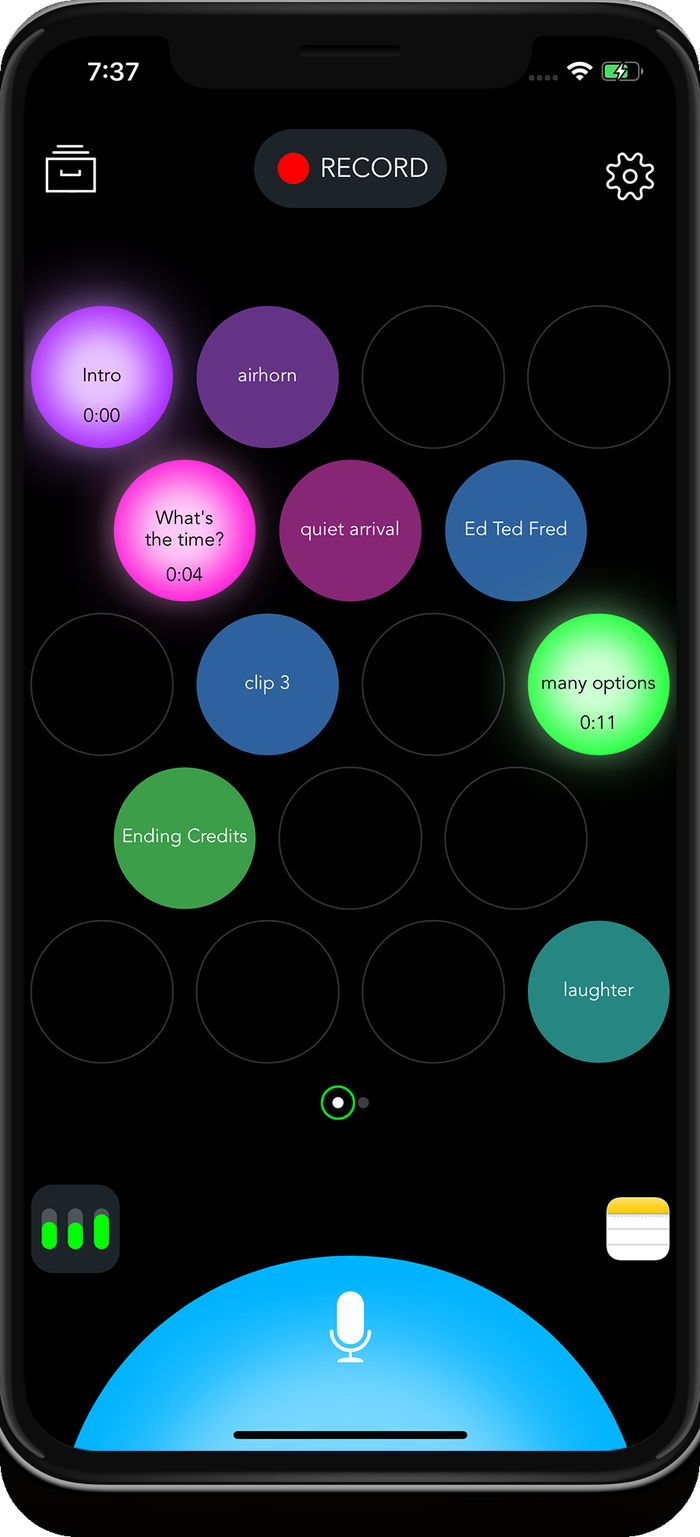
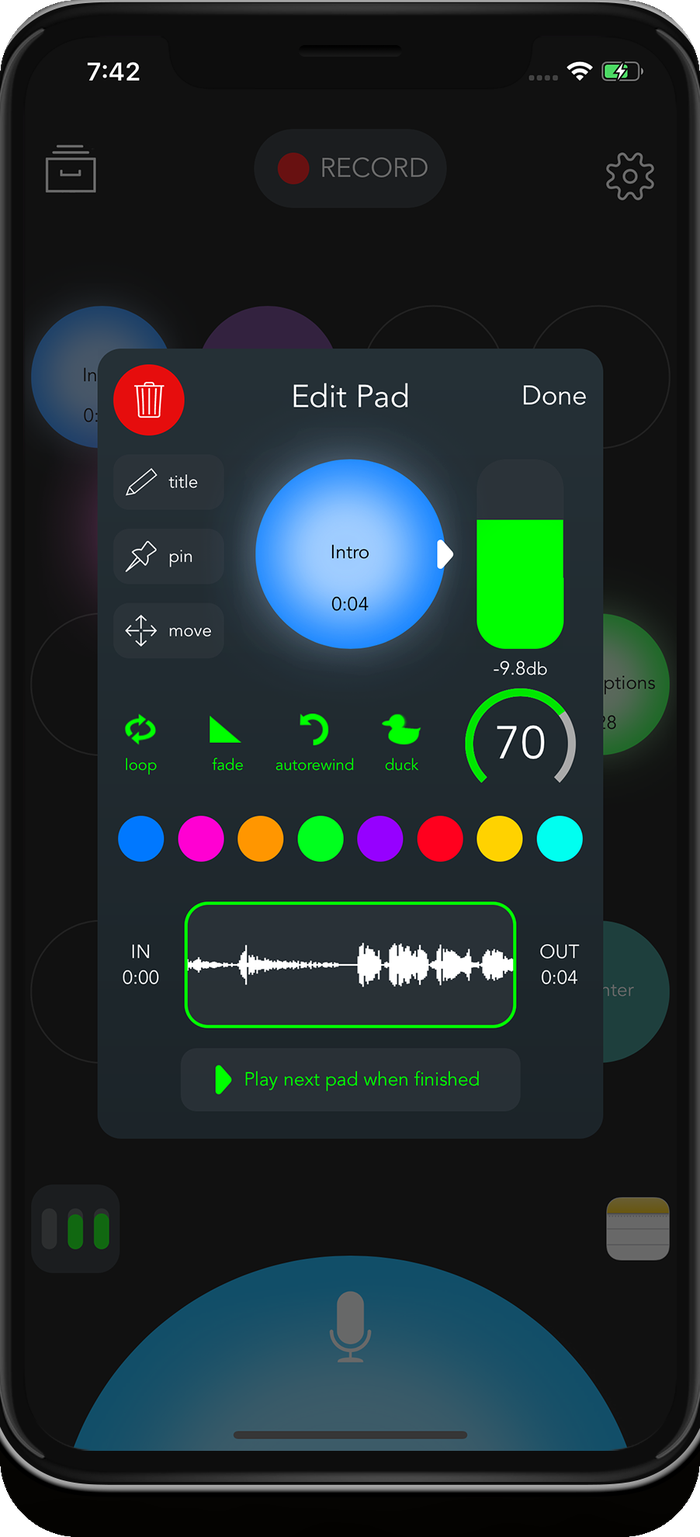
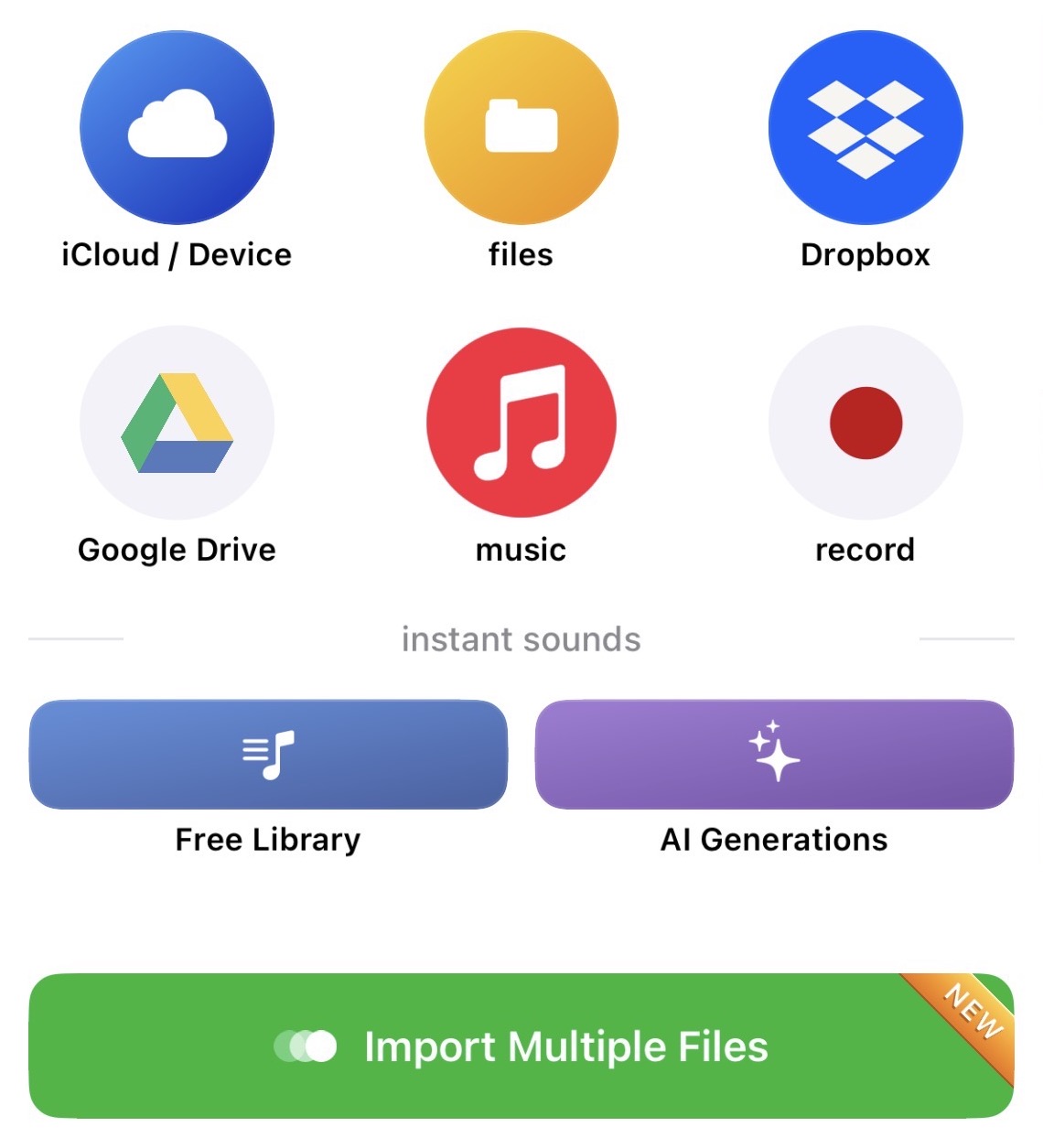
Easily import multiple files at once and drag to rearrange pads.
02 / Record & mix
Record studio-quality audio while mixing microphones and sound pads live. Bring in remote guests, stream the production, and keep a finished mix without a desk full of equipment.
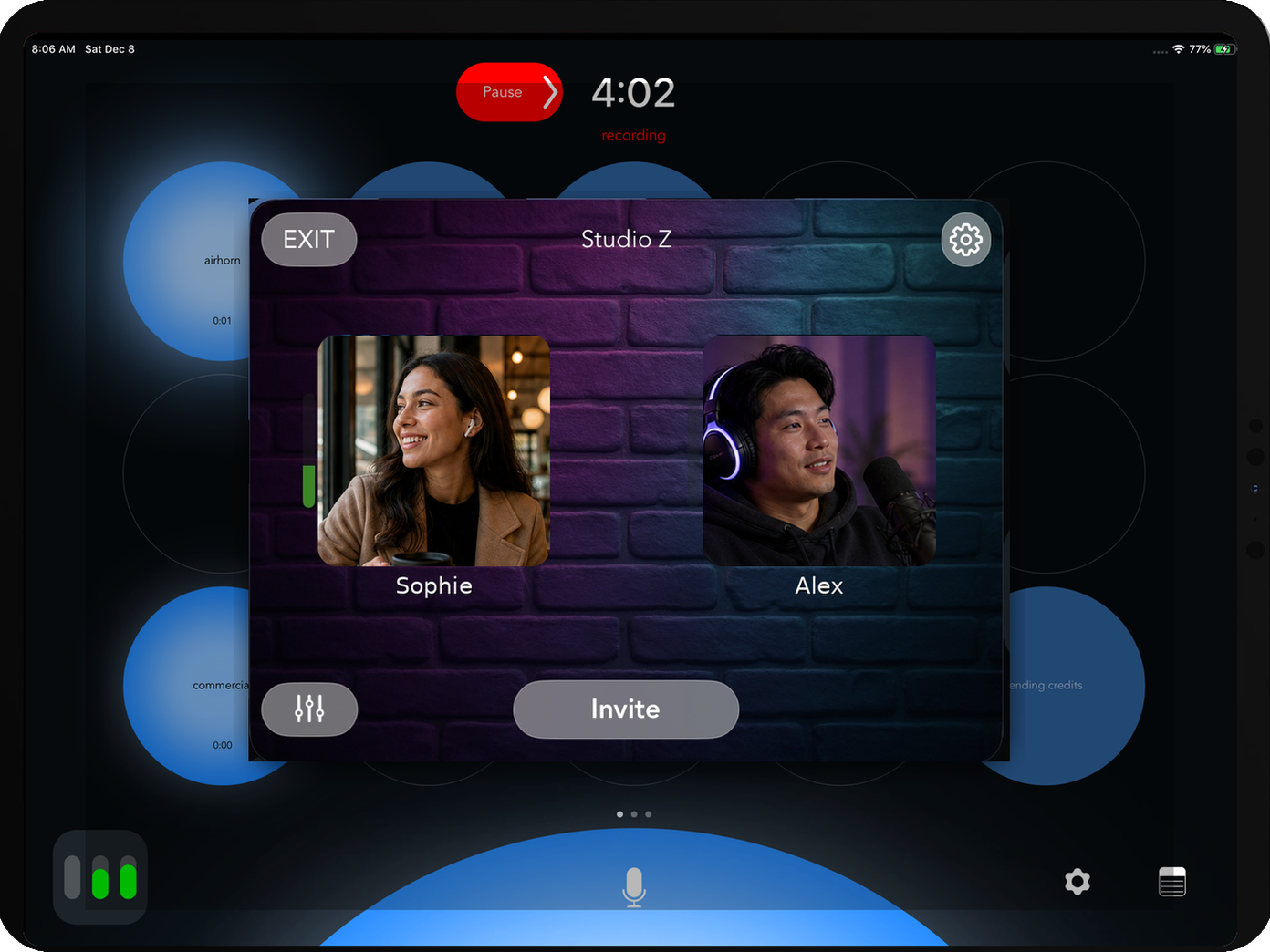
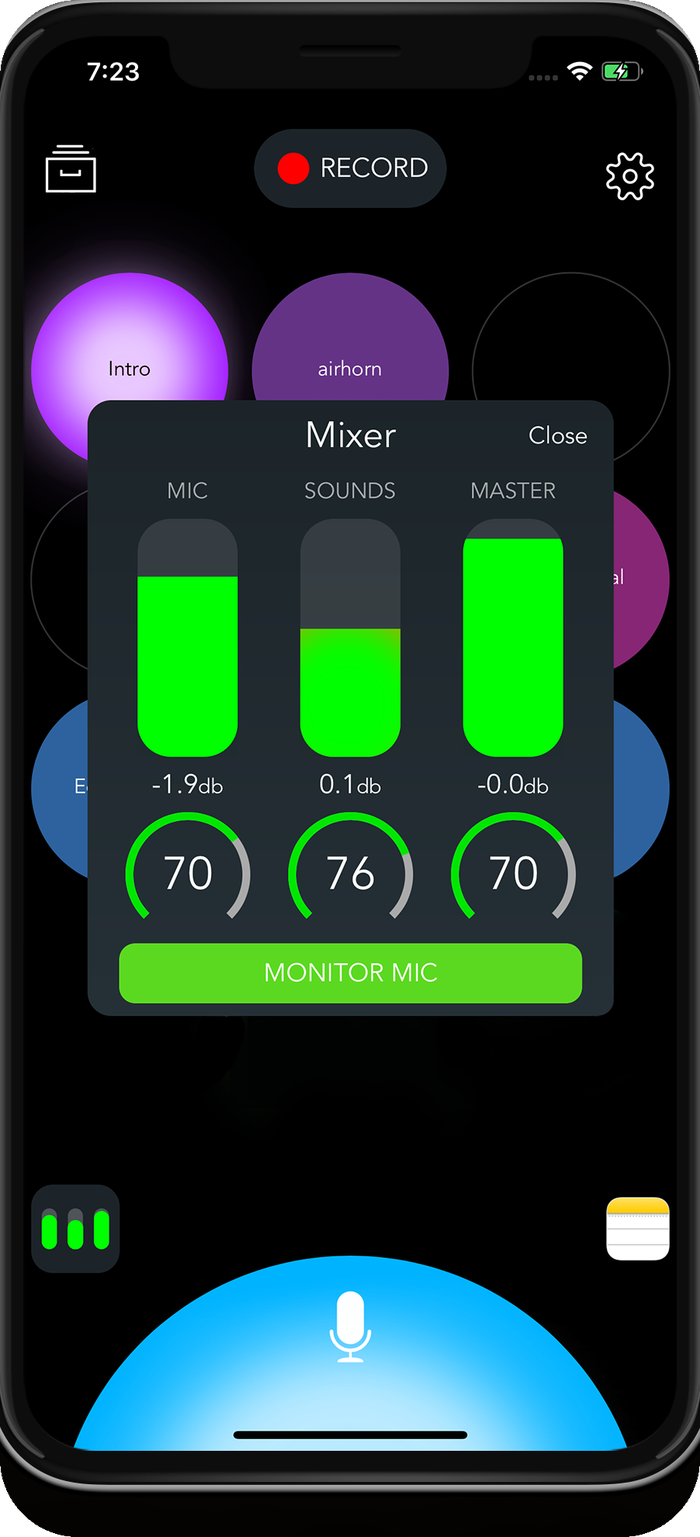
Balance the microphone, sound pads, and master output in real time.
Stream while recording and triggering your full soundboard.
Compression, limiting, EQ, noise gating, ducking, and lossless formats.
Backpack AI
03 / Create, edit & publish
Optional AI tools help you edit the audio, understand the conversation, create everything around the episode, and make brand-new sounds without leaving Backpack.
Edit audio like text—or simply tell Backpack what to cut, clean up, or reshape. Your requested changes stay reversible while you listen and refine.
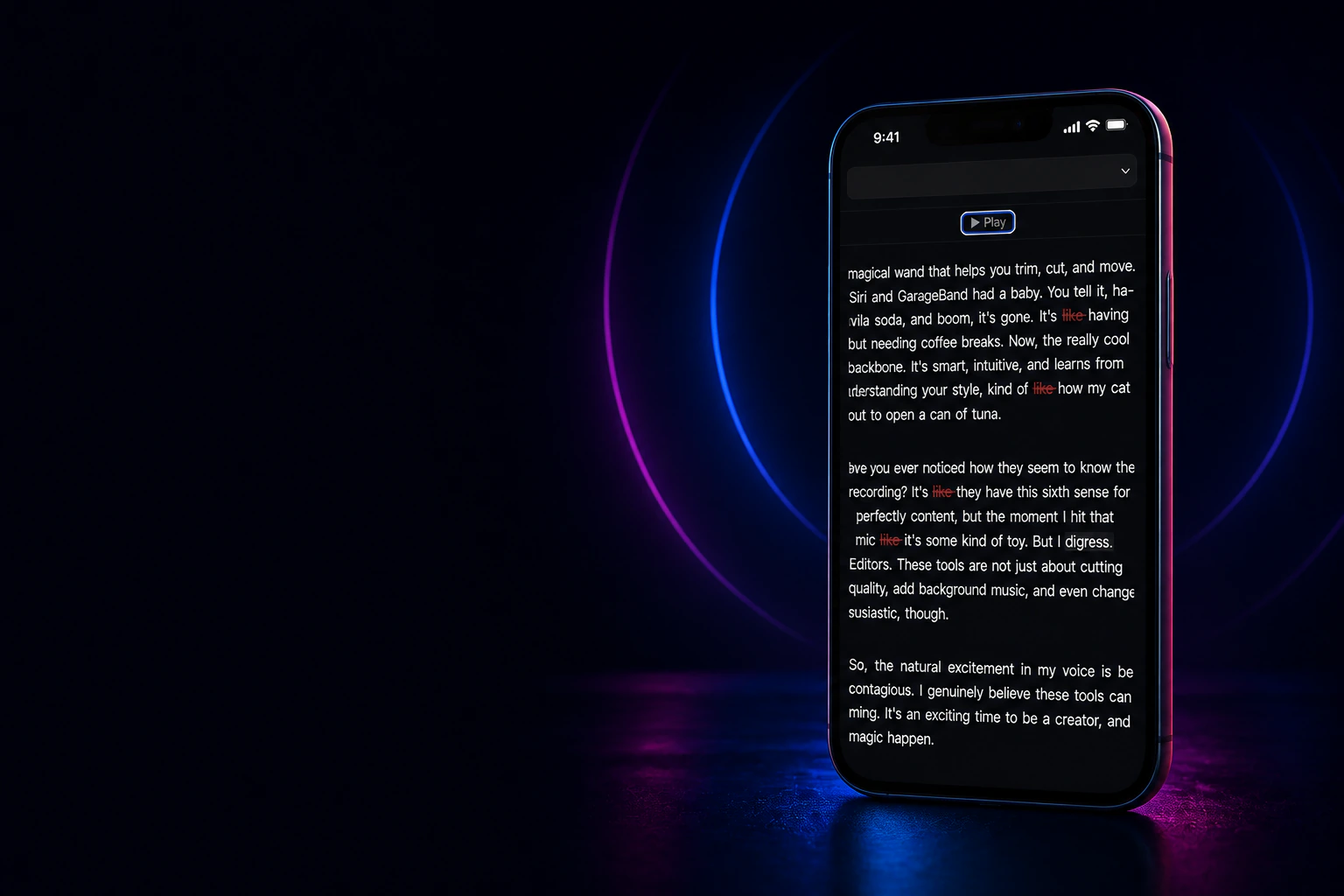
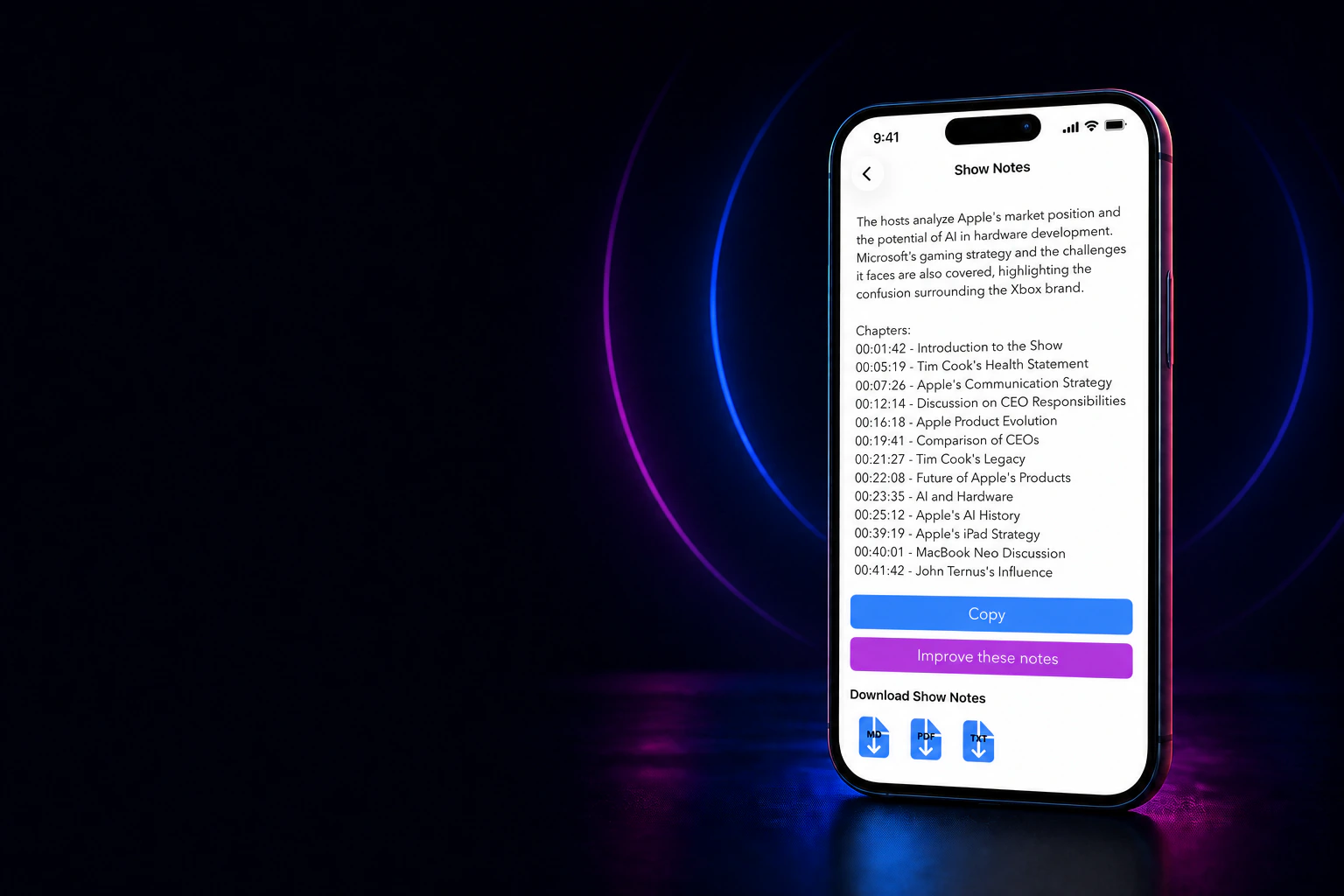
Transcribe the full recording, generate structured show notes and chapters, and keep the episode ready to search, copy, and publish.
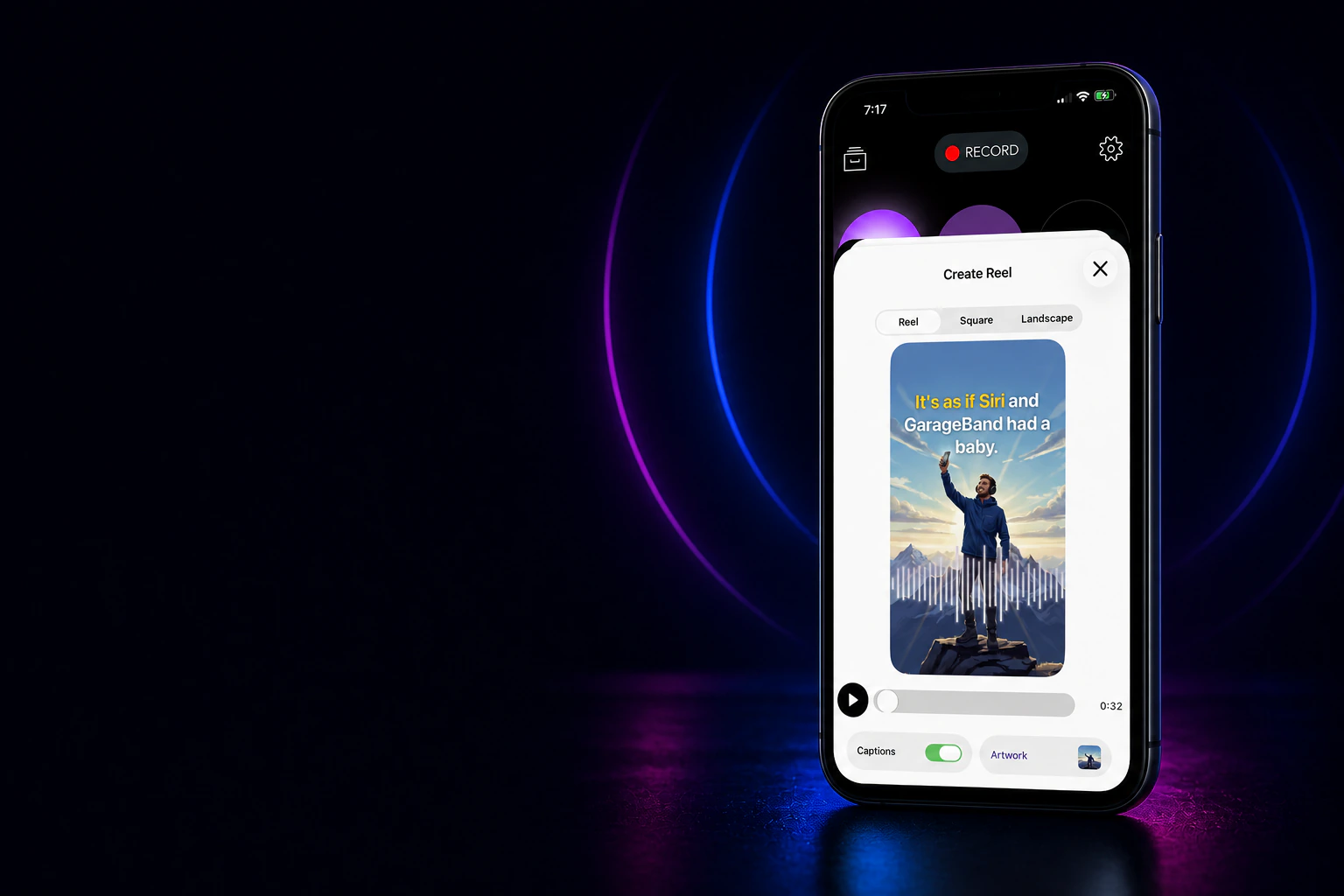
Turn any highlight into a captioned reel, square video, or landscape clip with artwork—ready to share.
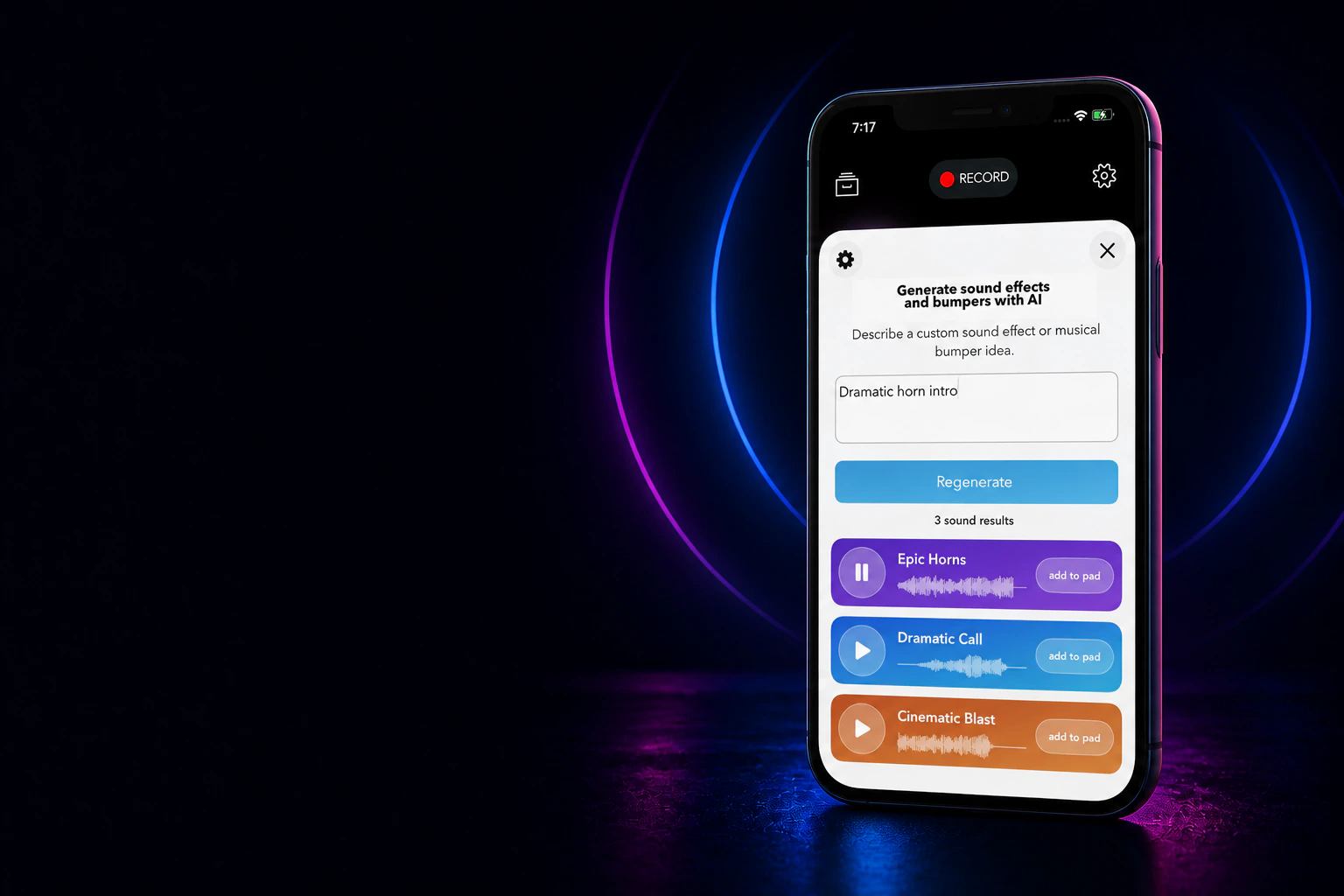
Describe an effect, musical bumper, or transition and add the result directly to a sound pad.
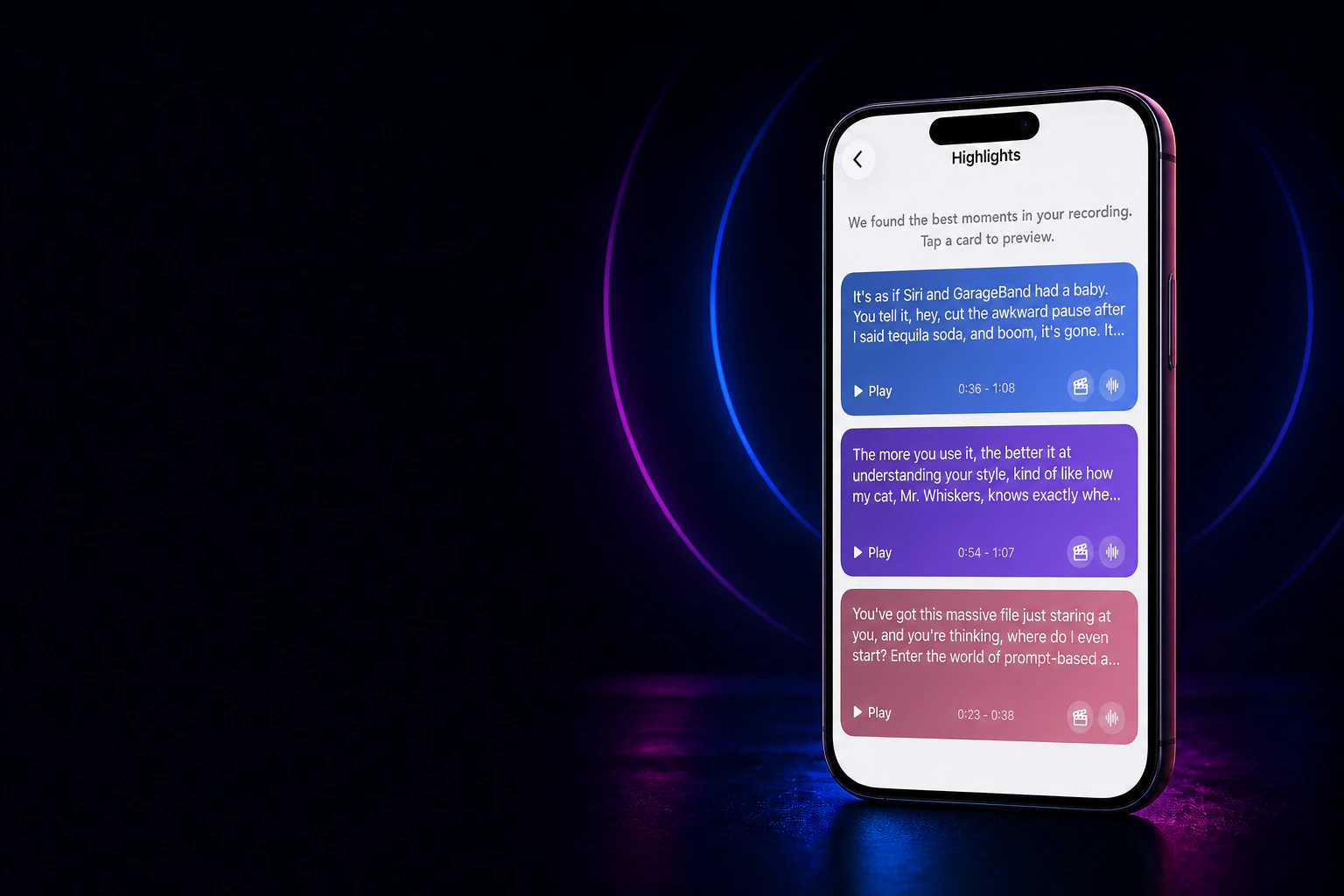
Let Backpack surface the strongest moments in your recording, preview each clip, and turn the ones you choose into shareable audio or video.
Designed for more people
Backpack Studio has earned recognition from the AppleVis community for its thoughtful VoiceOver support. The interface includes custom rotor actions, Magic Tap support, and carefully localized labels and announcements. See Backpack Studio in the AppleVis app directory.
Go deeper
Build your first soundboard and learn the complete live recording workflow on iPhone or iPad.
↗Microphone soundExplore Mic Effects, compare every EQ preset, and save a custom curve for your voice.
↗Better recordingsReduce room noise and get cleaner spoken-word recordings.
↗Go liveBroadcast a show while recording and running the soundboard.
↗Recording setupLearn what to expect when recording with a wireless headset.
↗EquipmentCompare USB and XLR mics, real setup costs, and iPhone/iPad connections before you buy.
↗Pad controls and setupImport and generate sounds, arrange pads, adjust playback settings, and assign shortcuts.
↗Recording basics · VideoConnect your headphones, set up your mic and sounds, record the show, and save your episode.
↗Remote guests · VideoCreate a private room, send one link, record both voices with your sound pads, and save the finished mix.
↗